
Does Your Plan Cover Hidden Data on Printers and Copiers?

Summary
Printers and copiers store hidden data that most IT disposal plans miss. Discover the compliance risks and how to protect your organization.
IT teams often overlook hidden data when organizations plan for IT asset disposition. Teams usually look at the usual suspects: servers, laptops, desktops, and mobile devices. However, there is one category of equipment that consistently falls through the cracks, and it happens to be sitting in almost every office, healthcare facility, and enterprise building across the country.
Printers and copiers contain hidden data that most disposal plans completely ignore.
What “Hidden Data” Really Means in Imaging Devices
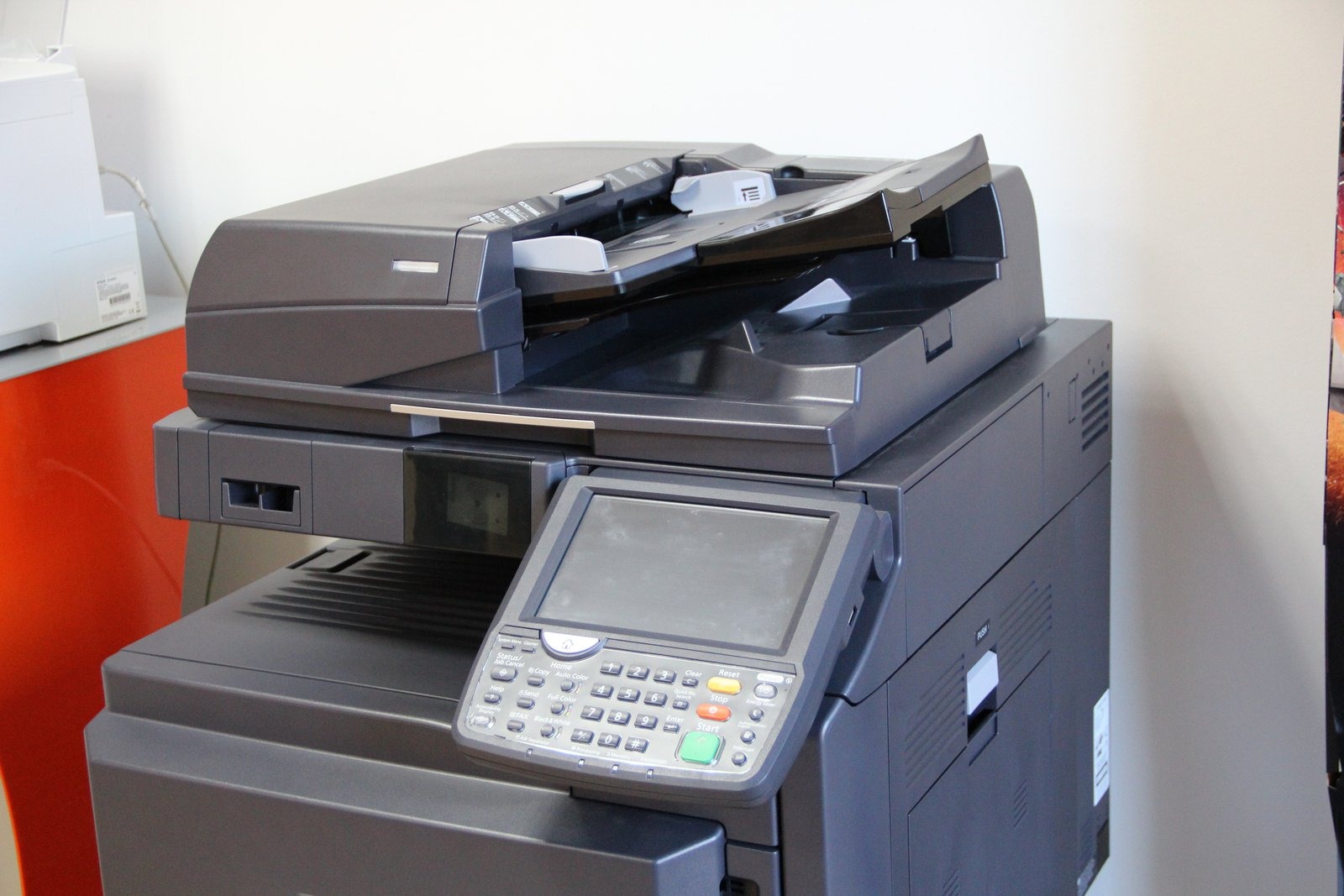
Modern multifunction printers and copiers are not simple peripherals. They are sophisticated computing devices having its own operating systems, network configurations, and most critically, internal storage. Every document scanned, copied, faxed, or printed can leave a digital footprint on the device’s internal hard drive or flash memory.
That hidden data can include:
Financial records and invoices
Patient intake forms and medical records
Legal documents and contracts
Employee personally identifiable information (PII)
Network credentials and authentication data
A single copier used over a standard three-to-five year lease cycle can accumulate tens of thousands of stored image files. When that device reaches end of life and goes back to the leasing company, resold, or sent to a generic recycler without proper data sanitization, every one of those files can become accessible to whoever handles the machine next.
The Compliance Gap Most Organizations Miss
Regulatory frameworks like HIPAA, GLBA, SOX, and state-level data privacy laws do not carve out exemptions for imaging devices. If your organization handles protected health information, financial data, or consumer PII, you are responsible for securing that data regardless of the processing device.
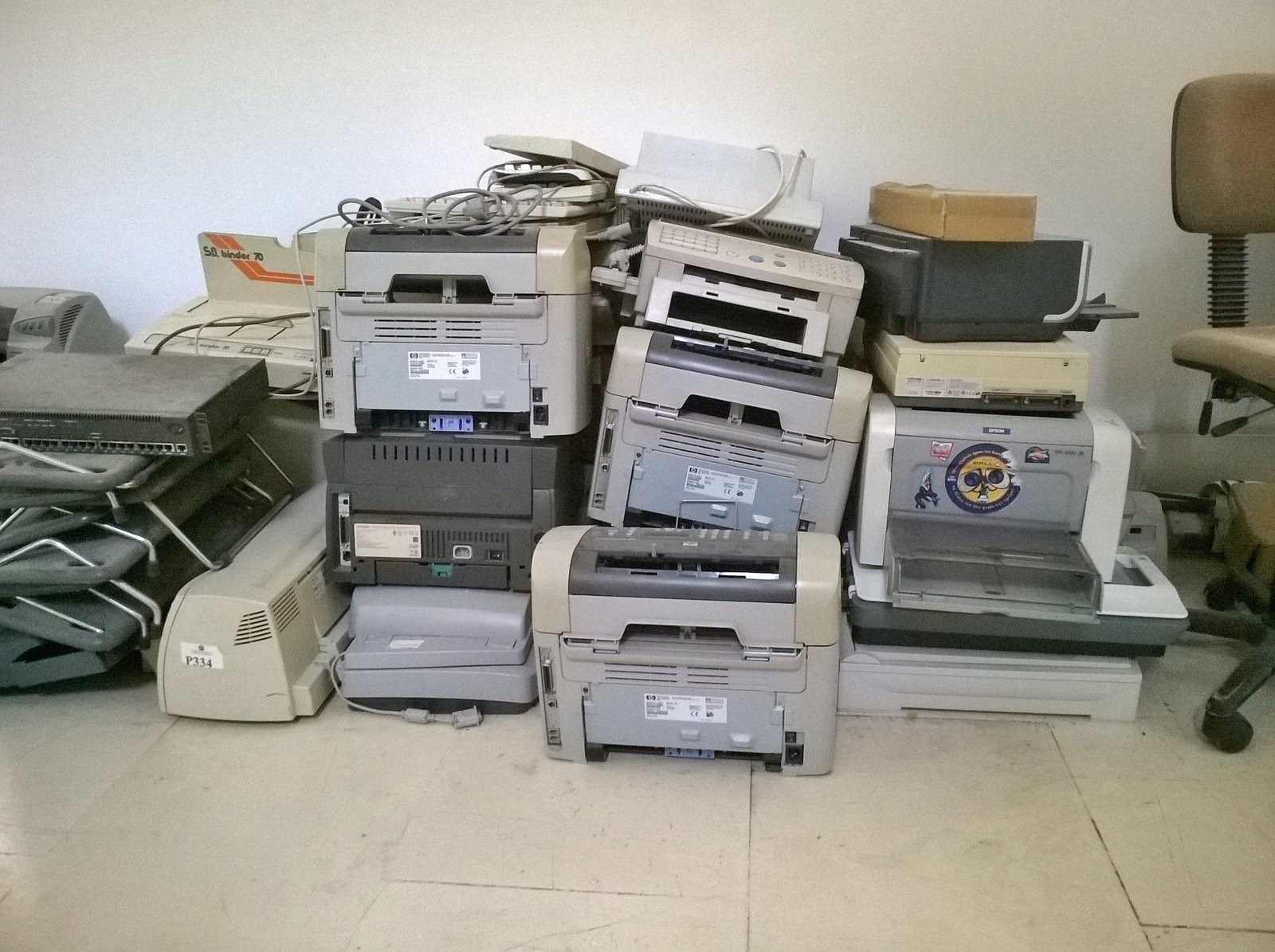
The challenge is that most IT asset disposition programs revolve around traditional computing hardware. Printers and copiers usually go through a separate procurement or facilities team, returned to vendors through standard lease agreements, or donated to charities without any data destruction verification taking place. This leaves hidden data untouched, exposing companies to data breach risks.
This is not just an oversight. It is a compliance gap with real consequences. Regulatory fines, breach notification requirements, reputational damage, and legal liability can all result from improperly decommissioned imaging devices. The risks are not theoretical. Several high-profile data exposure incidents have been traced directly to hard drives recovered from used copiers.
What a Secure ITAD Plan Should Include for Imaging Devices
Closing this compliance gap requires treating printers and copiers with the same level of rigor applied to other IT assets. A comprehensive IT asset disposition strategy for imaging devices should address four key areas.
Asset Inventory and Tracking. Before any decommissioning any device, make sure to catalog them with the make, model, serial number, and storage specifications. Many organizations have no reliable record of where their imaging devices are or what storage they contain.
Data Sanitization or Destruction. Your teams must go through every storage component. This means performing a certified wipe using NIST 800-88-compliant methods for functional drives, or physical destruction for drives that cannot be reliably sanitized. Simply resetting a device to factory settings does not erase stored image data, much less hidden data.
Chain of Custody Documentation. From pickup to final disposition, every step should be documented. A credible ITAD provider issues a Certificate of Data Destruction for each device processed, giving your compliance team auditable proof that they properly handled your data.
Responsible Downstream Recycling. After data is destroyed, the physical equipment must be recycled in compliance with applicable environmental regulations. R2 and e-Stewards certified recycling ensures that hazardous materials are managed properly and that your organization avoids downstream liability.
Why The Risk Of Hidden Data Is Growing
The installed base of networked imaging devices continues to grow. Distributed workforces, hybrid office environments, and high-volume scanning operations mean more devices are in circulation, storing more sensitive data, and cycling out more frequently. At the same time, the secondary market for used printers and copiers is active, which means improperly sanitized devices do not sit in a warehouse. They move quickly.
Organizations that rely on vendor take-back programs or general recyclers without verifying data destruction practices are taking an unacceptable risk. A lease return agreement is not a data security agreement. A charity donation is not data sanitization.
Building a Defensible Disposition Program
The standard for defensible data security is documentation, process, and verification. When a regulator or auditor asks how your organization handled the data on decommissioned copiers, the answer must be specific and provable.
That means partnering with an ITAD provider that understands imaging devices at a technical level, maintains certified processes for data destruction, and provides the documentation trail your compliance team requires. This means that you should include imaging devices in your IT asset management policies before decommissioning conversations begin, not after.
Hidden data on printers and copiers is a manageable risk. But it requires intention, the right processes, and the right partner. Reach out to our team at RAKI Computers and find a comprehensive plan that covers hidden data across all your printing and copying needs.


Leave a Reply
Want to join the discussion?Feel free to contribute!